Mastodon
A decentralised microblogging network from Mastodon gGmbH: you choose a server, create an account there and follow people across the fediverse.
Web
Open source

X, formerly Twitter, is a microblogging service from X Corp. The Windows app puts your timeline, notifications and messages in a desktop window.
Average 0.0 · ratings: 0
Thank you! Your rating is saved; you can change it. Could not save the rating. Please try again later. Too many ratings from your network today. Please try again tomorrow. The average appears after 5 ratings.
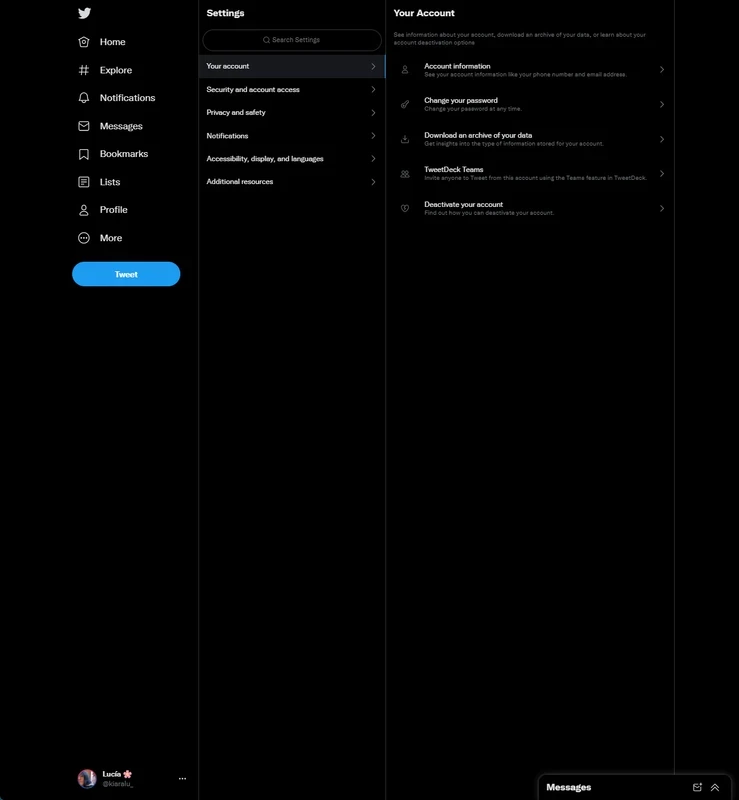
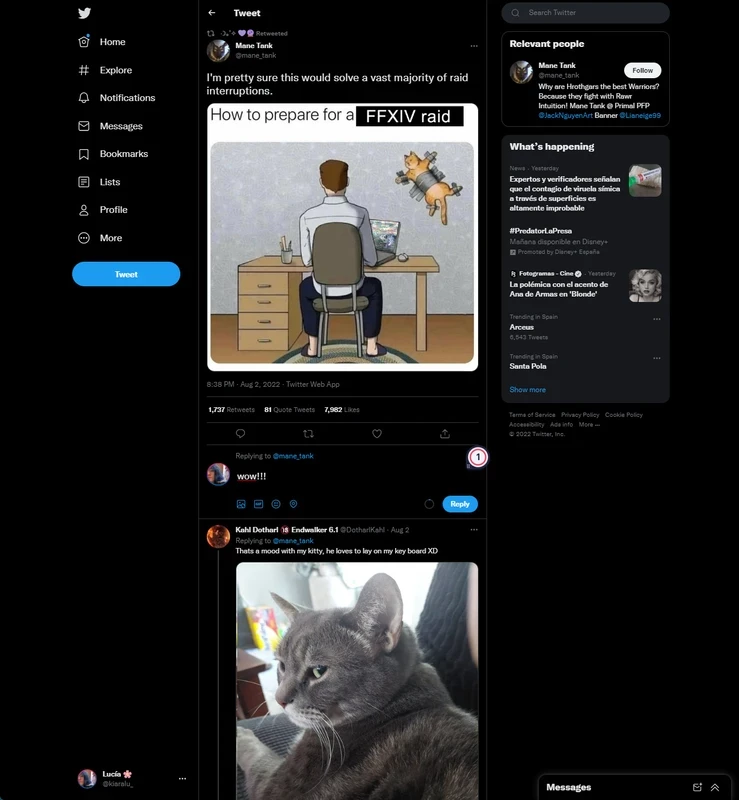
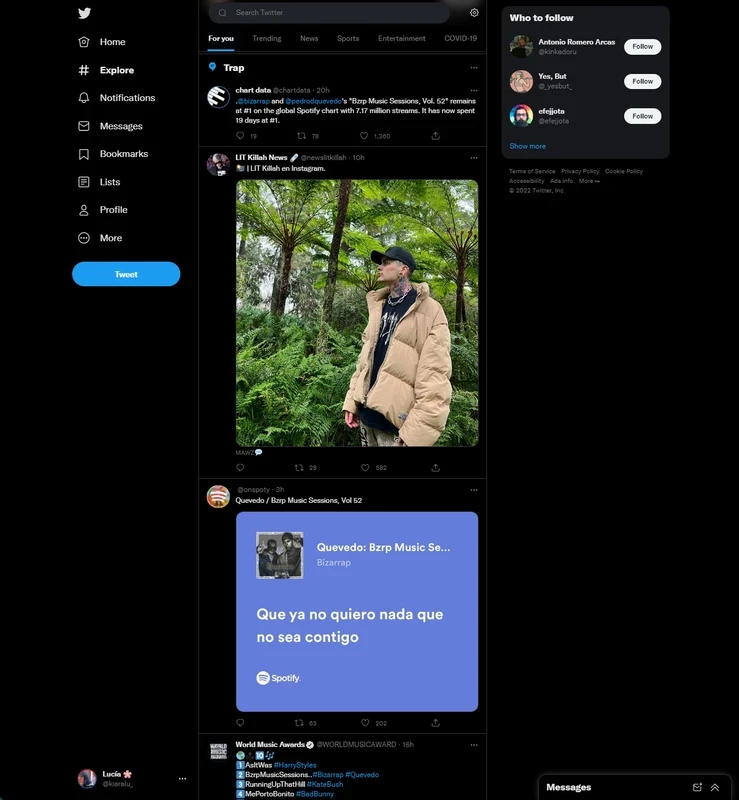
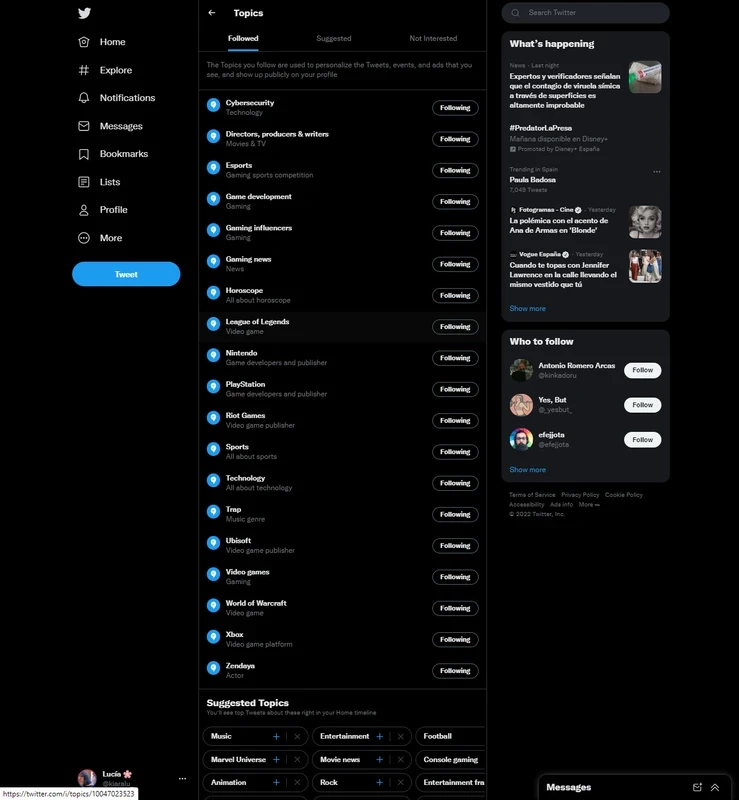
X (Twitter) 7.0.1.0 for Windows is the desktop app of the microblogging service that most people still call Twitter, and you can download it free through the Microsoft Store. It gives you the timeline, notifications, direct messages and posting in a window of its own.
Twitter was founded on 21 March 2006 by Jack Dorsey, Biz Stone and Evan Williams, and the service took the name X in July 2023 under its current owner, X Corp. The idea has stayed recognisable through every redesign: short public posts that anyone can read, reply to and repost. People use it to follow news as it breaks, keep up with journalists, companies and public figures, argue about sport and share jokes. Businesses answer customer questions there, and many organisations post updates on X before anywhere else. The Windows app does not change any of that; it simply moves the experience from a browser tab to a desktop program with its own taskbar icon and system notifications. That suits anyone who keeps X open throughout the day and wants to find it without hunting through tabs.
| Version | 7.0.1.0 |
|---|---|
| Developer | Twitter, Inc. (now X Corp.) |
| License | Freeware |
| Platform | Windows |
| Updated | September 2026 |
| Size | about 379.94 KB according to catalogue data |
You can also use the service in any browser at x.com; the older address twitter.com leads to the same place.
A fresh account shows a lot of suggested posts. Following a handful of accounts you actually care about, muting words and topics you are tired of, and switching to the Following tab instead of the algorithmic feed make the app far calmer. Lists are useful too: group news outlets, colleagues or sports accounts and open just that list when you need it.
Stick with the Store listing or the official website. Programs sold as unofficial X clients or follower boosters often ask for your password and may lock you out of your account. Once you are in, turn on two-factor authentication, review who can reply to your posts and decide whether your account should be protected so that only approved followers see it.
The app is free to install and use. X also offers optional paid subscriptions with extra features, but reading, posting and messaging work without one.
If you want something similar, Threads offers short public posts, Reddit is built around topic communities and LinkedIn focuses on professional networking. All three are in the same social category.
A decentralised microblogging network from Mastodon gGmbH: you choose a server, create an account there and follow people across the fediverse.
A decentralised social network with Facebook-style profiles, groups and long posts, connected to Mastodon and the rest of the fediverse.

Reddit for Windows is the desktop app of Reddit's discussion platform, where communities called subreddits share news, questions and posts.

Facebook Lite is the lightweight version of Facebook from Facebook Inc. This page covers build 530.0.0.8.106 listed for Windows.

The official Snapchat app for Windows from Snap Inc., available in the Microsoft Store. It runs Snapchat for Web in its own window.

Threads is Meta's social networking and microblogging service for short public posts, connected to your Instagram account.

Instagram is Meta's photo and video social network. The Windows app brings the feed, Reels and direct messages to a PC running Windows 10 or 11.

TikTok Web is the browser version of TikTok from ByteDance, letting you watch, search and post short videos on a Windows PC without installing an app.

LinkedIn for Windows is the desktop app of the social network for professionals, used for networking, job search and industry news.